
Turn your policy into training.
Create documented proof of understanding for audits.





You probably landed here because you need to keep track of compliance training, and whatever you're using right now is starting to feel like a liability.
Running the training is real work. Someone has to build it, assign it, and chase the people who ignore the first three reminders. But there's a second job hiding behind the first one, and it's the one that quietly catches people out: the evidence.
Months later, when an auditor sits down across from you, they don't want to watch your course. They want proof. Who was trained, on what, when, on which version of the policy, and whether that person actually needed that specific training for their role.
If that proof lives in someone's memory, or in a spreadsheet nobody has opened since the last reorg, you're in trouble. The training happened. You just can't show it.
This article covers what compliance training tracking software actually needs to do, and five ways to do it, ranging from a purpose-built platform to a spreadsheet held together with tape.
Compliance training has a test at the end of it, and it isn't the quiz your employees took. It's the audit.
An auditor's job is to verify that training happened the way you say it did. So they ask for records. Specifically, they tend to want to see:
That last point trips up more organizations than you'd expect. Plenty of directives don't just ask whether everyone sat through a generic module. They ask whether each person received training relevant to their actual role. (ISO 9001's competence requirements are a good example, as are the role-based expectations baked into data protection rules.) A finance employee and a warehouse employee don't face the same risks, and "we trained everyone on the same slideshow" isn't always a satisfying answer.
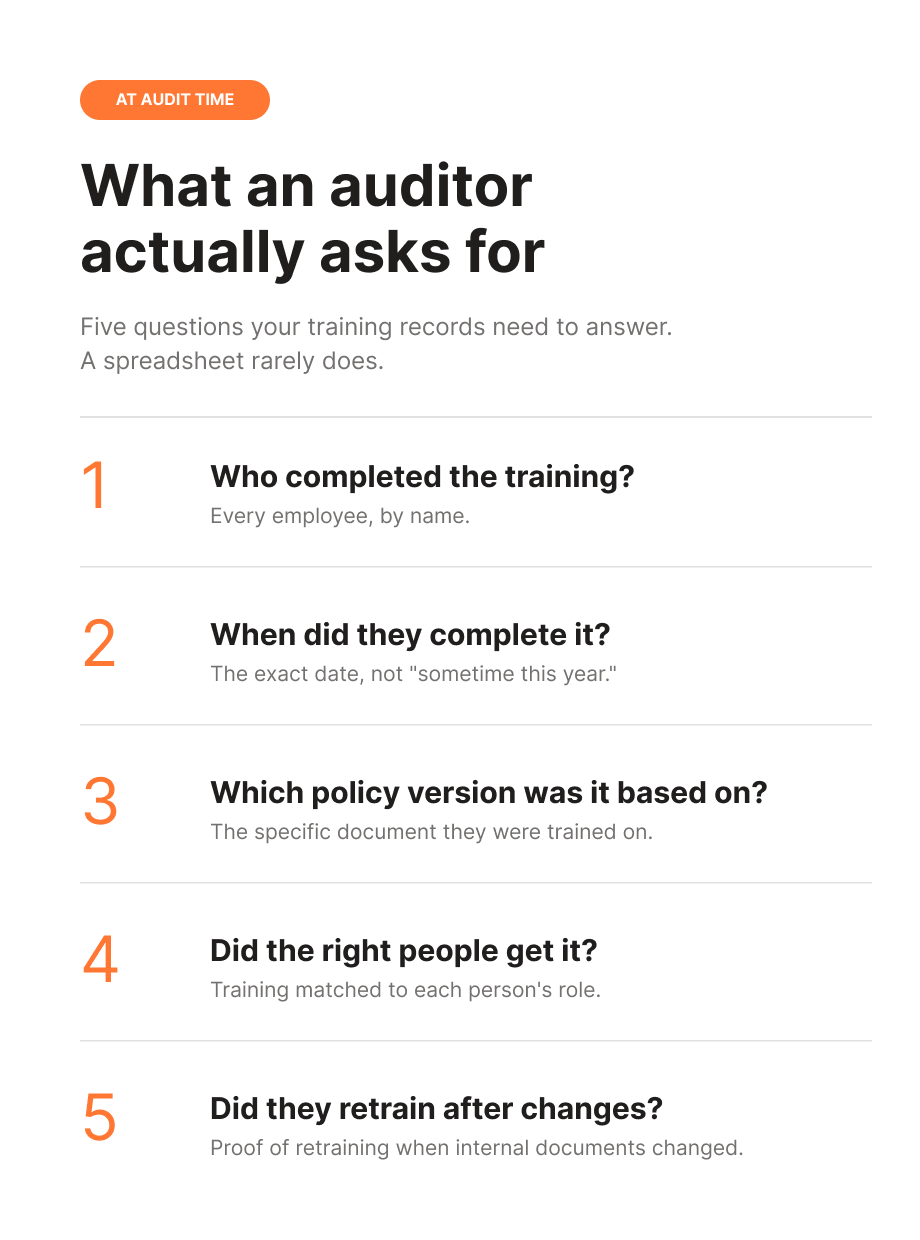
This is where a lot of tracking setups fall apart. The records exist, technically, but they can't answer the questions in the form the auditor asks them. Completion got logged, but not against a specific policy version. The policy changed eight months ago and nobody can show whether people retrained. The training matrix is a tab in a workbook that three people have edited and nobody fully trusts.
Tracking is where compliance training is actually won or lost. The content matters. The proof matters more.
Before comparing tools, it helps to be clear on what you're grading them against. Here's the checklist I'd use:
With that as the lens, here are five ways to track compliance training.
Securan starts from a different place than most tools on this list. Instead of handing you a library of generic courses to assign, it starts with your internal documents. You upload an internal document, and it generates a training program from it. Your employees get trained on your actual procedures, and every completion is logged and tied to the specific policy version it was based on.
That last detail is the whole point. When an auditor asks which version of a procedure someone was trained on, the answer is already in the record. You're not reconstructing it from memory and old email threads.
It handles the role-based side too. You can structure training so the right people get the procedures relevant to their role, and prove it, instead of assigning one generic module to everyone and hoping that counts.
And when an internal document changes, you re-upload it, generate an updated program, and the relevant employees are automatically prompted to retrain. The retraining gets logged the same way the original did, so your evidence keeps itself current instead of turning into a spreadsheet archaeology project.
To be straight about scope: Securan isn't a full quality management system or a giant content library, and it doesn't pretend to be. If what you need is audit-ready proof that the right people were trained on your own documented policies, and you'd like that proof to maintain itself, that's the gap it fills.
Pricing is flat: €100 per month, regardless of how many users you add. No per-user maths, no annual lock-in.
Start a 14-day free Securan trial

Let's be honest about why you might be reading this article: there's a decent chance you're here to get away from Excel. If so, feel free to skip ahead.
But we can't pretend it isn't an option, because it is one. For a team of five with a single policy and modest requirements, a well-built spreadsheet genuinely does the job. There are free training-matrix templates all over the internet, and a tidy tab with names down one side and courses across the top will get you surprisingly far.
The trouble starts when you grow, or when anything changes.
Excel tracks whatever you remember to type into it. It doesn't know a policy was updated, so it won't tell you who needs to retrain. It won't remind anyone of anything. It has no concept of a policy version, so a completion logged in March against a procedure rewritten in June is quietly misleading. And the more people who touch the file, the less anyone trusts it.
Then comes audit day, when you're filtering and colour-coding at 11pm, trying to reconstruct a year of training history from a sheet that three people edited and one person definitely broke.
For small-scale, low-stakes tracking, Excel is fine. As the real answer to compliance evidence at any size, it's held together with tape, and the tape knows it.
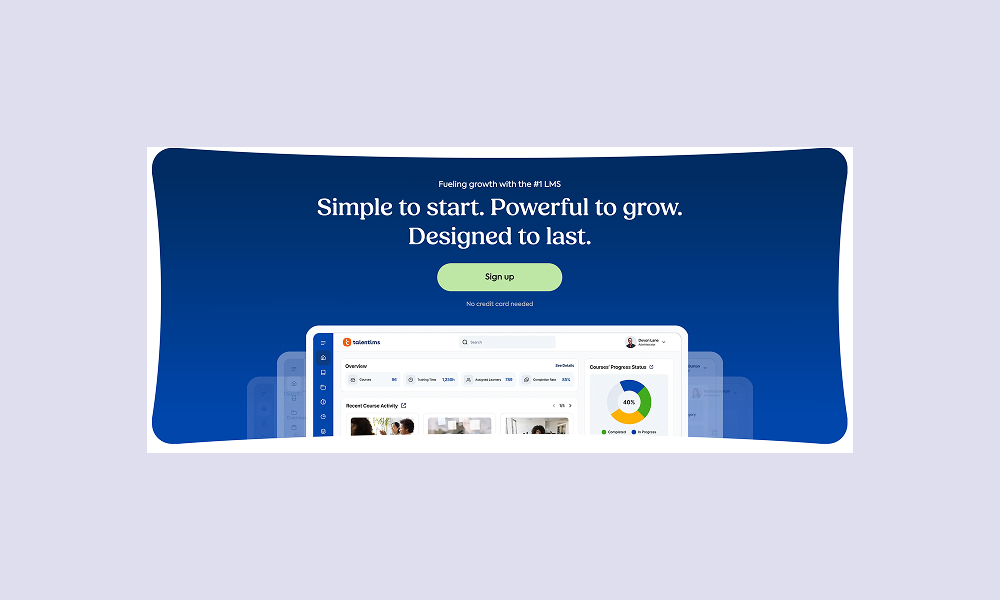
TalentLMS is a well-established LMS aimed at SMBs, and it's a solid all-rounder for course delivery and tracking. It handles completion tracking, quiz scores, certifications, and compliance reporting, and its training matrix report gives you a reasonably clean view of who's done what across courses. You can set automated reminders and course re-enrollment so recurring training doesn't depend on you remembering it.
For tracking specifically, it does the core job well. Dashboards, completion reports, certification status, the things you'd expect.
The catch is that TalentLMS is a platform, not your policies. You supply the content, whether that's courses you build, SCORM files you import, or their content library as a paid add-on. Tracking is organized around courses, not around your specific policy documents and their versions. Recertification runs on a schedule or a certificate expiry date, not on the event of a policy actually changing. So if you update a procedure, nothing automatically connects that change to a retraining cycle. You manage that link yourself.
On pricing, it's tiered and scales with users: roughly $119 per month for up to 40 users billed yearly, climbing to around $219 per month in the 71 to 100 user range, before any content add-ons.
If you already have your training content sorted and mainly need a reliable delivery and tracking layer, TalentLMS is a reasonable pick.
iSpring Learn is an LMS with a noticeably stronger compliance lean than most, and certification tracking is where it earns its place on this list. It comes with built-in authoring tools, so you can produce your own courses, and its compliance features are genuinely useful: automated reminders, dashboards showing completion rates and upcoming deadlines, and audit-trail exports that are clean and time-stamped.
Its recertification handling is the standout. The platform monitors certificate validity and can automatically re-enroll people when their certification is due to expire, which keeps recurring compliance training ticking over without manual chasing. It even includes observation checklists, a rare nod toward verifying that someone can apply a skill, not just that they clicked through a module.
The limitation, for our purposes, is the same structural one. Recertification is driven by certificate expiry and schedules, not by a policy document changing. If you rewrite a procedure tomorrow, iSpring won't know to trigger retraining off the back of that. And as with TalentLMS, you author and maintain the content yourself.
Pricing is per active user, which works out to roughly $3.58 to $6.64 per user per month depending on scale, with unlimited registered users and billing only for the active ones.
If your compliance world revolves around certifications and expiry dates, iSpring is one of the stronger value options around.
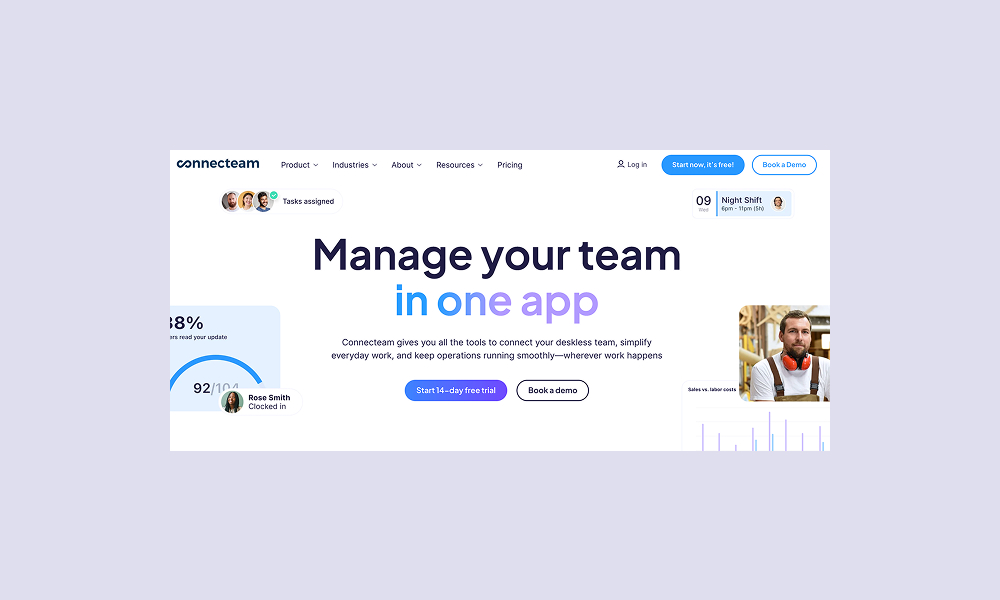
Connecteam is the odd one out here, and deliberately so. It's a mobile-first workforce platform built for deskless and frontline teams in construction, retail, hospitality, healthcare, and field service, where most of your people don't sit in front of a laptop. Training is one piece of a broader operations toolkit.
For tracking, you can build courses and quizzes directly in the app, track completion rates and quiz scores, and manage certifications and licence renewals in its HR tooling. For a frontline team, having training on the phone people actually carry beats a binder nobody opens.
The big draw is cost. It's free for up to 10 users with full features, then moves to hub-based pricing from around $29 per month with per-user fees on top. For a small team, that free tier is genuinely usable, not a glorified demo.
Where it's lighter is exactly the compliance-evidence side this article cares about. Tracking is largely basic completion. There's no real concept of tying training to a specific policy version, and no retraining triggered by a policy change. It's built to get frontline workers through training and onboarding, not to produce the versioned, audit-grade documentation a formal compliance audit leans on.
For a small or deskless team that needs lightweight training tracking on a tight budget, though, it's a practical and affordable option.
Compliance training tracking software earns its keep at one specific moment: when someone asks you to prove the training happened, usually a year later, usually when you've half forgotten the details yourself.
A spreadsheet can carry that load for a very small team. Past a certain size, it becomes a liability, going quietly out of date every time a policy changes or a new hire arrives. The tools that hold up are the ones that keep the evidence current without depending on anyone remembering to update it.
If what you need is audit-ready proof tied to your own policies, with retraining that triggers itself when those policies change, that's the specific problem Securan was built for. You upload a policy, it generates the training, and every completion and retraining is logged against the right version automatically.
Flat €100 per month, unlimited users, cancel any time.

Create documented proof of understanding for audits.

Securan is a platform that turns your SOP into a training program for documented proof of understanding.


